
You added a wishlist so shoppers could save products and come back later. Then you hit a setting that asks one question: should people log in first?
Saying yes feels safe. A list tied to an account doesn’t get lost, and you get an email address in return.
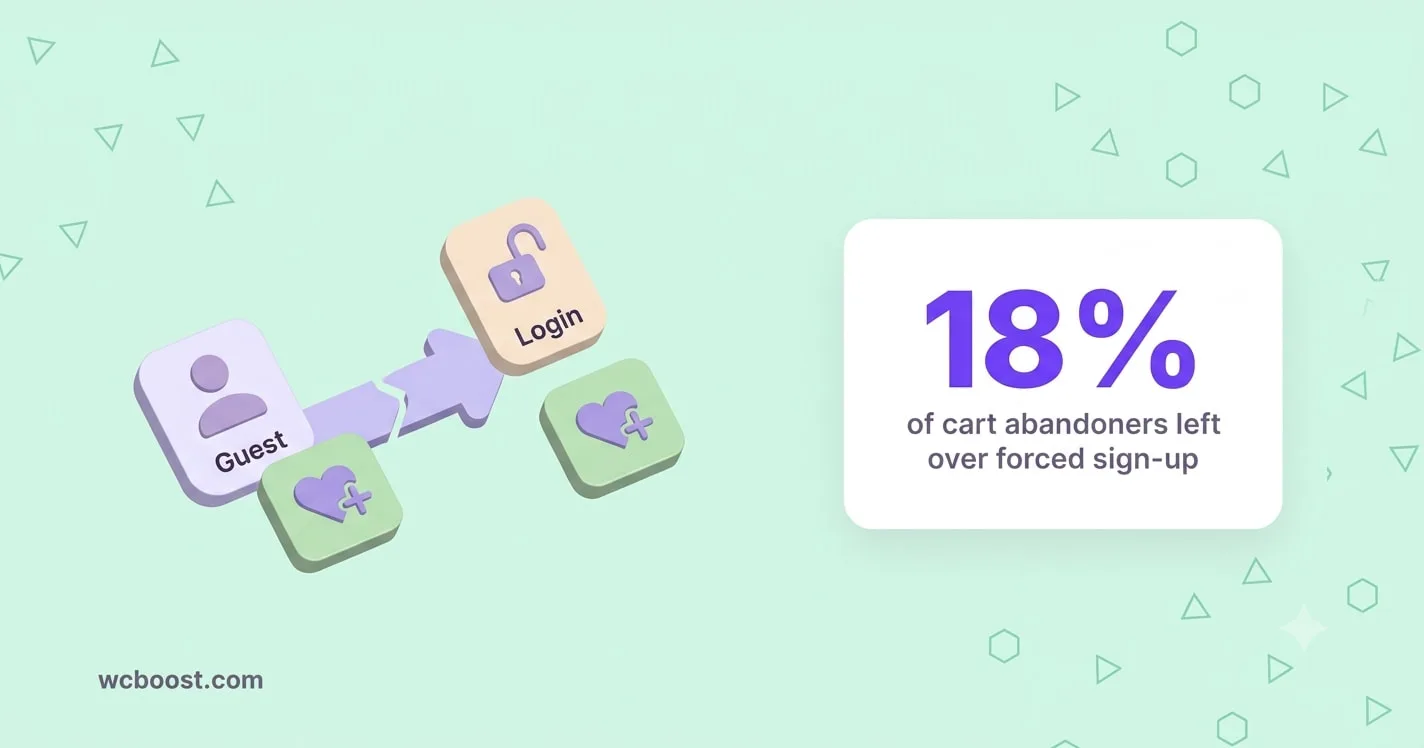
But that choice puts a form in front of someone who only wanted to tap a heart icon. In Baymard Institute’s checkout research, 18% of US shoppers who abandoned a cart said the site wanted them to create an account. That’s at checkout, when people already plan to buy.
A wishlist click happens much earlier, when interest is lower. So the account question matters even more there.
This post compares three setups: login-only, guest-only, and hybrid, where guests save freely and the list moves into their account when they log in. You’ll see what each one costs you and which one fits your store before the Q4 gift rush.
Table of Contents
An account wall asks for commitment before the shopper has any
Saving a product is a small, low-risk action. Baymard notes that a significant number of shoppers rely on “Save” features like “Favorite” or “Wishlist” to store items for later purchase. It rates getting these features right as “Essential” (Baymard guideline #798).
Picture a shopper on her phone at lunch. She finds a sweater for her sister and taps the heart. A login screen appears. She has no account and no time, so she closes the tab. You never learn she was interested.
That’s the catch with login-only. The people a wishlist helps most are new visitors who aren’t ready to buy. A login wall hides the feature from exactly those people and shows it to your existing customers.
Ask yourself: how many of your visitors already have an account? If most of your traffic is new, a login-only wishlist is invisible to most of it.
Guest-only lists are easy to start and easy to lose
Without an account, a wishlist lives in the shopper’s browser, not in their account. That makes it quick to use. It also makes it fragile.
Here’s when a guest list can disappear:
- Private browsing. Chrome removes cookies and site data when an Incognito session ends (Google Chrome Help).
- Cleared cookies. Some shoppers clear their browser data often, or use tools that do it for them.
- A new device. Someone saves on their phone at lunch and opens your store on a laptop at night. Their list isn’t there.
WooCommerce itself treats guest data as short-lived. Its cart session lasts 48 hours by default (WooCommerce docs). Wishlist plugins handle storage in their own way, but the lesson is the same: anything not tied to an account can expire.
The worst part is that you can’t see these losses. A shopper who comes back to an empty list doesn’t file a support ticket. They just leave.
Hybrid gives guests a list now and a safe home later
The hybrid setup lets anyone save without logging in. When that shopper later logs in or registers, their guest list merges into their account.
This moves the account question to a better moment. At the first click, you ask for nothing. Later, the list might hold five products they care about. Now a prompt like “Log in to keep your list on any device” gives them a real reason to sign up.
To make hybrid work well:
- Add a short note on the wishlist page that invites guests to log in or create an account to keep their list.
- Keep login easy to find from the wishlist page, so the merge actually happens.
- Test it yourself. Save two products as a guest, log in, and check that both are in your account list.
Sharing turns a wishlist into a gift list in Q4
In gift season, many wishlists are made for someone else to read. A teenager builds a list and texts it to a parent. A friend sends a birthday list to a group chat.
That’s why sharing options matter more in Q4 than any other time. Shoppers expect to share a list by link, email, or social media. They also want control over who sees it, so public, private, and shared settings are worth offering.
Sharing also brings new people to your store. Every person who opens a shared list lands on your product pages with a reason to buy.
Before November, test the full path:
- Save a few products as a guest.
- Share the list by link and by email.
- Open the link on a different device and add a product to the cart.
If any step feels clunky to you, it will feel worse to a shopper in a hurry.
Side by side: hybrid wins for most stores
| Login-only | Guest-only | Hybrid | |
|---|---|---|---|
| Friction at first save | High: needs an account | None | None |
| Survives cleared cookies or a new device | Yes | No | Yes, once the shopper logs in |
| Grows your customer accounts | Yes, but only from people willing to sign up first | No | Yes, at a moment when the list has value |
| Best for | Wholesale, members-only stores | Small catalogs, impulse buys | Most retail stores |
For a typical retail store, hybrid gives you the low friction of guest lists without losing shoppers who switch devices.
Login-only still fits wholesale and member stores
Some stores should keep the wall. If your prices are hidden until a shopper logs in, a guest wishlist adds little. Guests can’t see the prices of what they’re saving.
The same goes for:
- Wholesale (B2B) stores, where every buyer has an approved account anyway.
- Members-only shops, where the product range itself is behind a login.
- Stores with special pricing per customer, where a saved list only makes sense with the right prices attached.
If that’s your store, keep login-only. Just make sure guests who click the heart get a clear message about why, instead of a blank redirect.
How WCBoost Wishlist can help
WCBoost Wishlist supports all three setups, so you can pick the one that fits and switch later.
- Guest wishlists on or off: One toggle in WooCommerce > Settings > Wishlist. When guests are turned off, you choose to redirect them to My Account or show your own message (settings guide).
- Merge on login: Since version 1.1.4, guests can merge their wishlist into their account after logging in. That makes the hybrid setup work without extra code.
- Gift-season sharing: Shoppers can share lists on Facebook, X, and Pinterest, send them by email, or copy the link. Lists can be public, private, or shared.
- Auto removal: Remove saved products when they’re added to the cart or bought, so lists stay current.
For more Q4 prep, see our guide on how to optimize your WooCommerce store for holiday sales.
Get WCBoost Wishlist free on WordPress.org and turn on guest wishlists before the gift rush.