
Most store owners think of a wishlist as a bookmark. A shopper likes something, saves it, and maybe comes back later.
In November and December, many of those lists get a second job. They turn into gift lists that people send to a partner, a parent, or the family group chat.
That changes who the list is for. The person who opens a shared wishlist is often not the person who made it. They may never have visited your store.
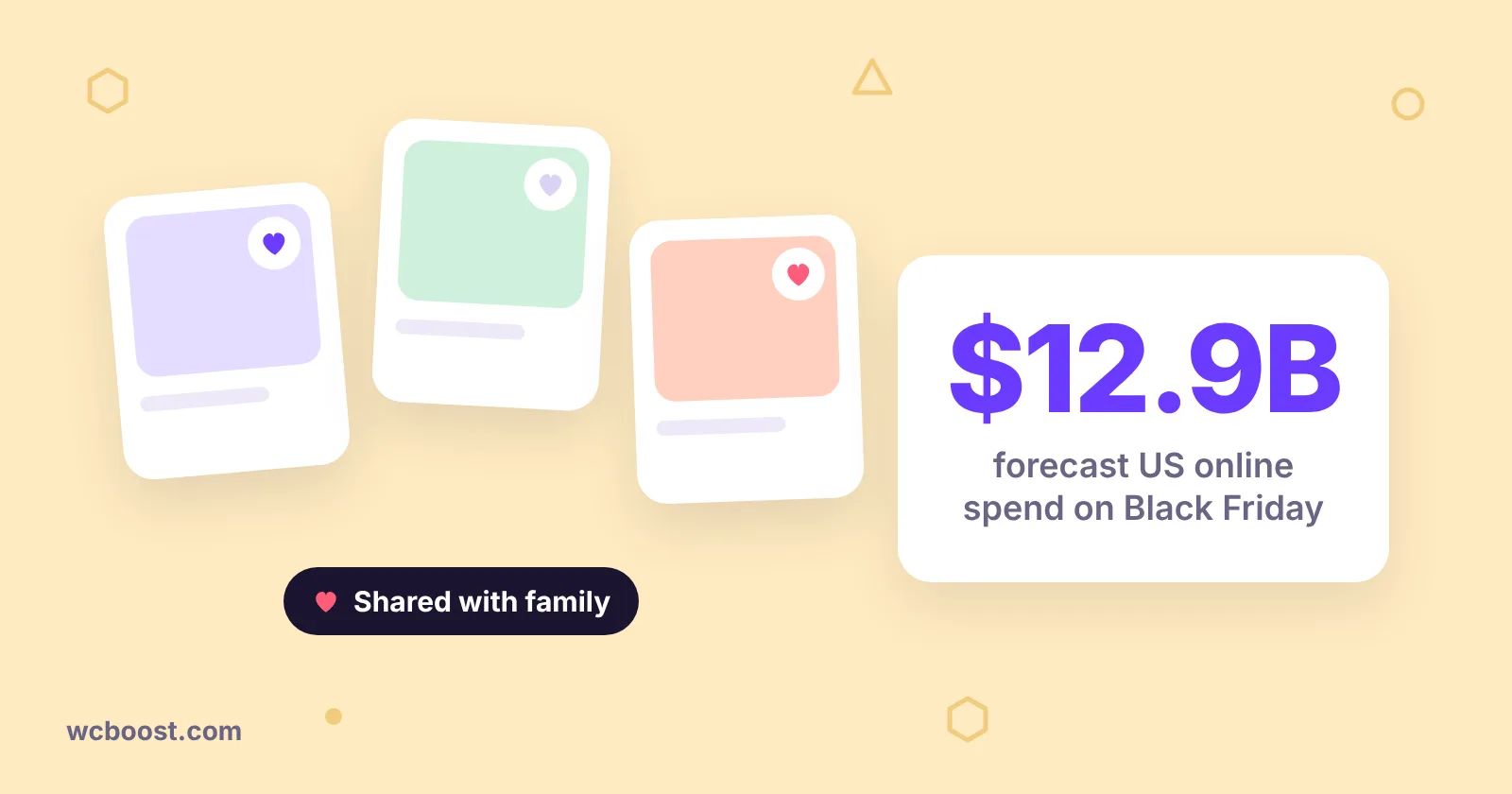
Adobe expects US shoppers to spend $275.1 billion online between November 1 and December 31, 2026. Black Friday alone should bring in $12.9 billion, and it falls on November 27 this year.
This guide shows you how to set up sharing, privacy, guest access and variations so shared lists turn into orders. It ends with a four-week timeline to get it done in time.
Table of Contents
A shared wishlist sends you a buyer who already knows what to get
NRF’s 2026 holiday survey found that 53% of holiday shoppers plan to shop online, and 43% plan to start before November. The same survey says gift cards top consumers’ wish lists this year, at 47%.
Baymard’s ecommerce research points the same way. A significant number of shoppers rely on save features like “Favorite” or “Wishlist” to keep items for a later purchase.
So the gift buyer is not a normal visitor. They arrive with a list and don’t need to browse or guess.
They only want to know two things: is this the right item, and can I buy it quickly? Treat your shared wishlist page like a landing page. When did you last open one of your own wishlist links on a phone, logged out?
I wouldn’t spend much time on fancy share buttons. Most people paste a wishlist link into the family group chat, not onto Pinterest. Copy link does most of the work. The hour I’d spend is opening a shared list on my phone, logged out, and buying from it like a stranger would.
Turn on link, social and email sharing, and put the button where people see it
WCBoost Wishlist lets shoppers share a list three ways:
- Social: one click to Facebook, X or Pinterest, with a custom message.
- Email: a built-in email template you can edit.
- Copy link: the URL of the wishlist page, ready to paste anywhere.
Check that all three show on your wishlist page. The options live under WooCommerce > Settings, and the look is under Appearance > Customize > WooCommerce.
Then edit the email template so it sounds like your store, not a system message. “Here’s my wishlist from [Store name]” works fine.
Next, check where the Add to wishlist button sits. The wishlist settings let you place it next to Add to cart, after the product name, or after the short description. Put it right after Add to cart on product pages, and show it in the product loop so it appears on category pages too.
For November, add one plain line near the button on gift-friendly products: “Hoping for a gift? Save it and share your list.”
Set privacy so shared lists open for the right people
Shoppers can set each wishlist as public, private, or shared. Public lists can be seen by anyone, and private lists stay with the owner.
Shared is the middle option, meant for lists you send to specific people. For gift lists, it’s usually the right choice.
Privacy is also where shared links quietly break. Test it:
- Create a list and set it to shared.
- Copy the link.
- Open it in a private browser window where you’re not logged in.
If you see an empty page or an error, so will the gift buyer. Fix that before you promote sharing anywhere.
Let guests save now and keep their list when they sign up
By default, both guests and logged-in customers can create wishlists. You can limit wishlists to registered users, but think twice before doing that in November.
A shopper making a birthday or holiday list may not want an account yet. If you do require login, the Guest Behavior setting either sends guests to My Account or shows them a message. A short message that explains why is kinder than a sudden redirect.
There’s still a good reason to nudge guests toward an account later. Since version 1.1.4, guests can merge their wishlist into their account after they log in, so nothing is lost.
Logged-in customers can also name a list and add a description. A list called “Mia’s birthday” is easier for family to trust than one called “Wishlist”.
If your host adds heavy caching for Black Friday traffic, turn on Ajax Loading. It loads the wishlist parts separately and is built for heavily cached sites.
Save the exact size and color so the gift buyer orders the right one
This is the step most stores skip. Without it, a shared list might show “Classic T-shirt” and leave the buyer guessing between Small and Large.
Turn on Adding variations to wishlist. It saves the exact variation the shopper picked, such as Medium in Blue, instead of the parent product.
Then test the full path. Add Medium in Blue, share the list, open the link logged out, and add the item to the cart. The cart should show Medium in Blue, not ask for options again.
While you’re there, look at Auto Removal. It removes items on add to cart, on checkout, or never, which is the default.
Pick a setting on purpose. Then test what happens to the owner’s list when someone else buys from it, so nobody gets two copies of the same gift.
Give yourself four weeks: a setup timeline before November 27
Adobe expects Cyber Week, Thanksgiving through Cyber Monday, to bring in $47.5 billion in US online sales. That’s not the week to change settings. Here’s a simple plan instead:
- Week of November 2: turn on sharing, set privacy, decide on guest access, and turn on variations.
- Week of November 9: place the buttons, edit the email template, and test on a phone while logged out.
- Week of November 16: tell customers with a newsletter line, a short banner, and the gift note on product pages.
- November 23 to 30: freeze changes. Watch shared wishlist pages and orders, and skip plugin updates unless it’s a security fix.
Doing a wider holiday check? Our guide to getting your WooCommerce store ready for holiday sales covers the rest.
How WCBoost Wishlist can help
- Sharing built in: Facebook, X, Pinterest, email and copy link.
- Privacy control: shoppers choose public, private or shared lists.
- Guest lists that carry over: guests save right away and merge their list after they log in.
- Exact variations: size and color are saved, so the gift buyer orders the right one.