
You added a wishlist so shoppers could save products and come back later. Then you hit a setting that asks one question: should people log in first? Saying yes feels safe. A list tied to an account doesn’t get lost,…
WooCommerce 11.2 Update: What to Check First
You probably update WooCommerce the way most store owners do. You see the notice, take a backup, and click Update. For most releases, that’s fine. WooCommerce 11.2 is one to slow down for. Version 11.2.0 came out on October 7,…

How to Change the Limit on Number of Variations for Variable Product Dropdowns
We’ve gotten questions about why variation dropdowns don’t load instantly with some products. Instead, variations load dynamically when customers make selections. This happens when your product has more than 30 variations. WooCommerce sets this limit to protect your site’s performance.…

Black Friday Recap: What WooCommerce Store Owners Loved Most in 2025
Another Black Friday Cyber Monday is in the books! And wow, what a season it was. The numbers tell a big story. U.S. shoppers spent $44.2 billion during Cyber Week, with Cyber Monday alone hitting $14.25 billion. But beyond the…

How to Optimize Your WooCommerce Store for Holiday Sales
Black Friday and Cyber Monday (BFCM) represent the biggest revenue opportunity of the year for online retailers. In 2024, U.S. consumers spent over $10.8 billion online during Black Friday alone, and that number continues climbing. For WooCommerce store owners, this…
Best WordPress Black Friday Cyber Monday Deals 2025
The holiday shopping season is here, and we’ve curated the best deals across the WooCommerce ecosystem to help you upgrade your store while saving big. We’re focusing on one thing: helping you find the best deals on plugins, themes, and…

How to Add Multi-Color Swatches to Your WooCommerce Store (Complete Guide 2025)
Traditional single-color swatches work great for solid products, but what happens when you’re selling items with multiple colors, gradients, or patterns? Generic dropdown menus kill the visual shopping experience, while multi-color swatches bring your products to life. This guide will…
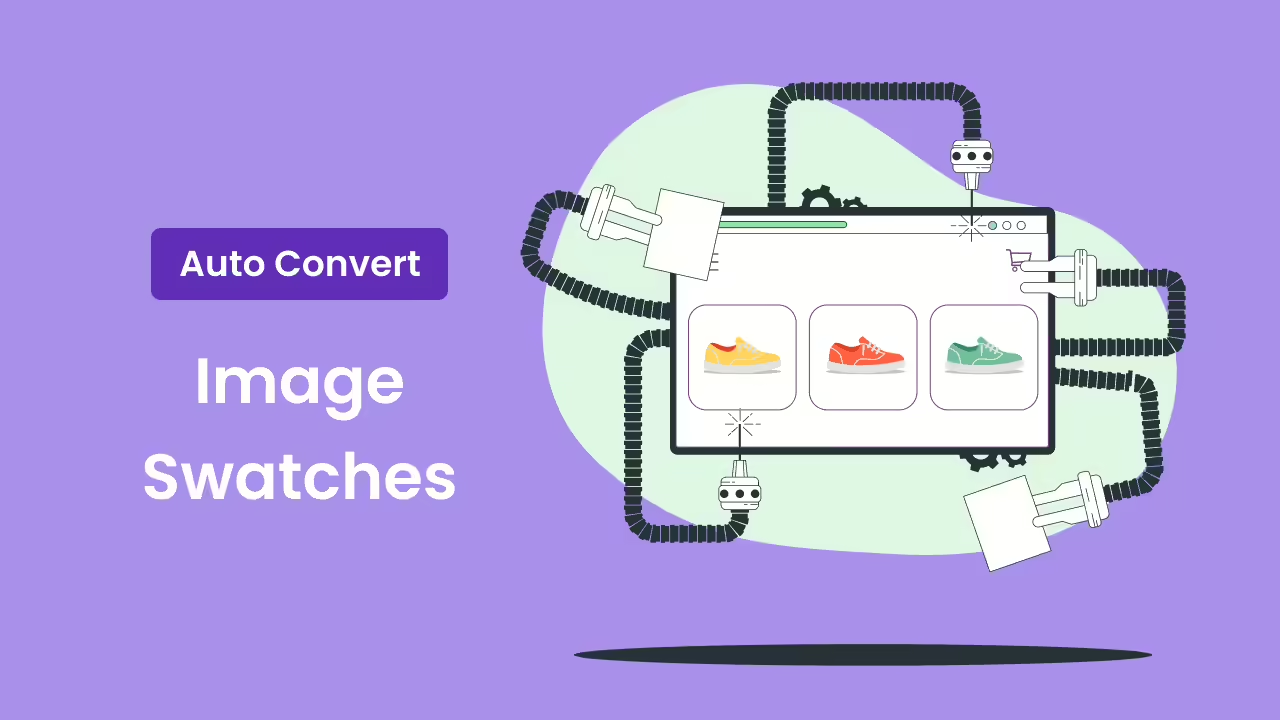
Convert Variation Dropdowns into Image Swatches
We are excited to announce a new upgrade to our WooCommerce Variation Swatches plugin. This upgrade includes a new feature that converts variation dropdowns into image swatches automatically. It simplifies the product setup process for your WooCommerce store. While manual…
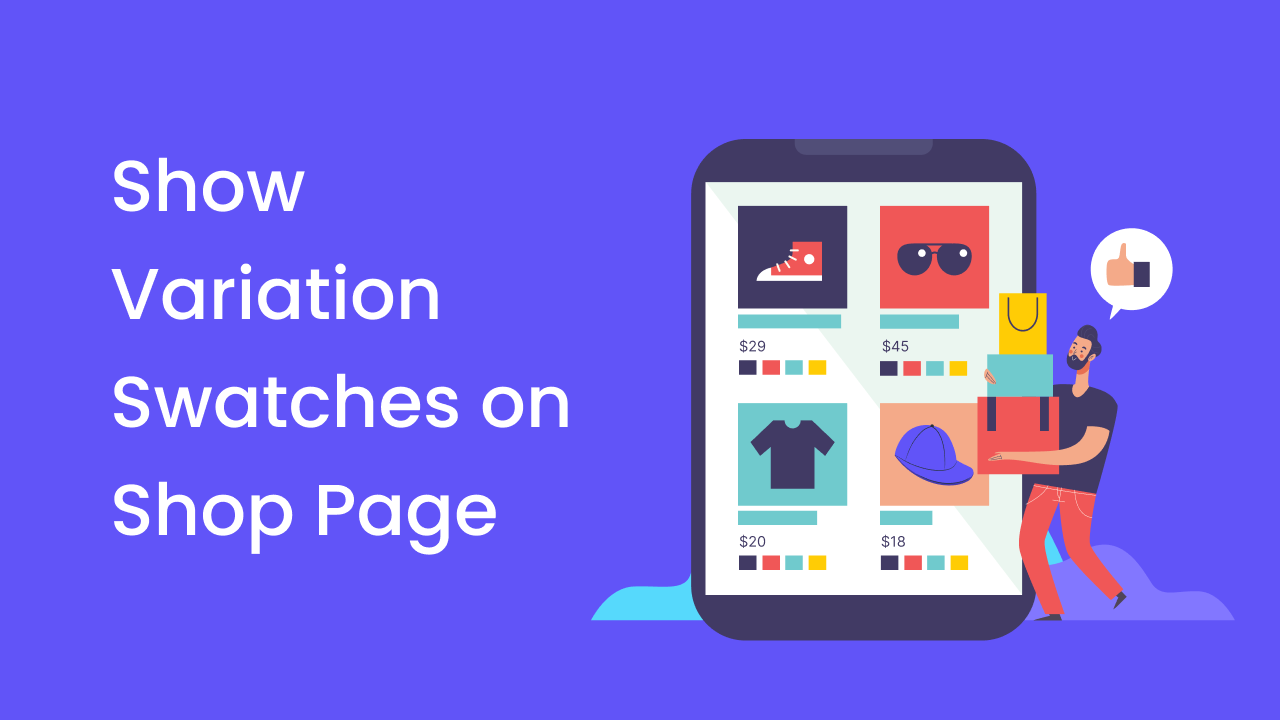
How to Show Variation Swatches on WooCommerce Shop Page
Showing variation swatches on your shop page isn’t just about looking good – it’s about creating a smoother shopping experience. When customers can see all their options at a glance, they’re more likely to find what they want and make…
5 Best WooCommerce Product Comparison Plugins to Boost Your Sales
WooCommerce product comparison plugins allow customers to easily compare different products side-by-side, helping them make informed purchasing decisions. These tools display product features, prices, and other important details in a clear, easy-to-read format. With product comparison, WooCommerce stores can significantly…